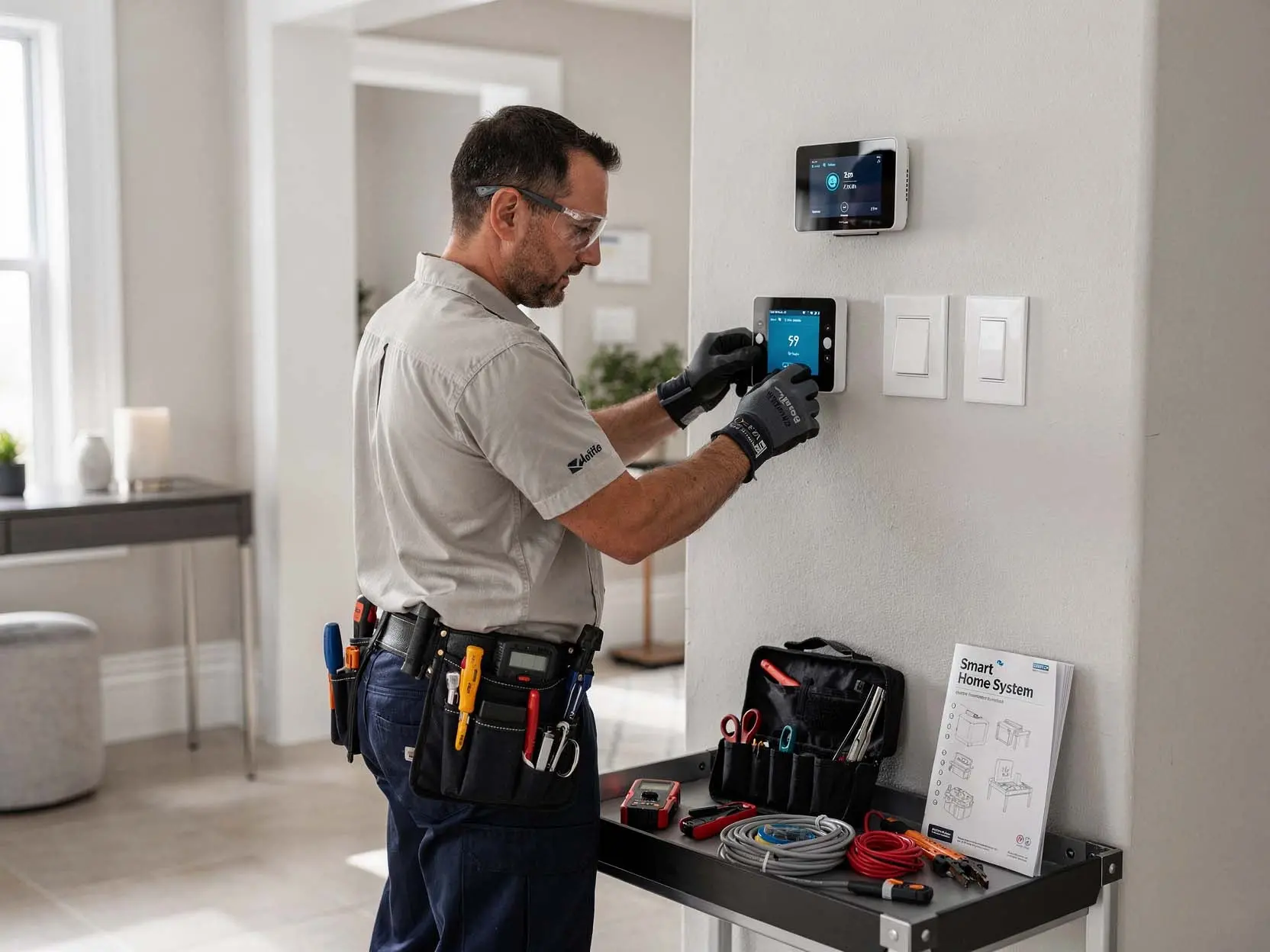
Smart Home Installation in Greenway Road Corridor, Surprise – Automation That Actually Works
Buying smart home devices is easy. Getting them to work reliably is another story. A smart switch that controls the wrong light, a thermostat that loses schedule settings, or voice commands that work only half the time usually means improper installation or configuration. Many homeowners in Greenway Road Corridor and throughout Surprise discover too late that their older home lacks a neutral wire required for smart switch operation. Without a neutral, most smart switches will not work at all. Our organization provides complete smart home and home automation installation for residential properties in Greenway Road Corridor and Surprise. We do not just mount devices. We verify compatibility, address wiring issues, program everything to work together, and train you on how to use your new system.
What Our Home Automation Installation Service Includes in Greenway Road Corridor, Surprise
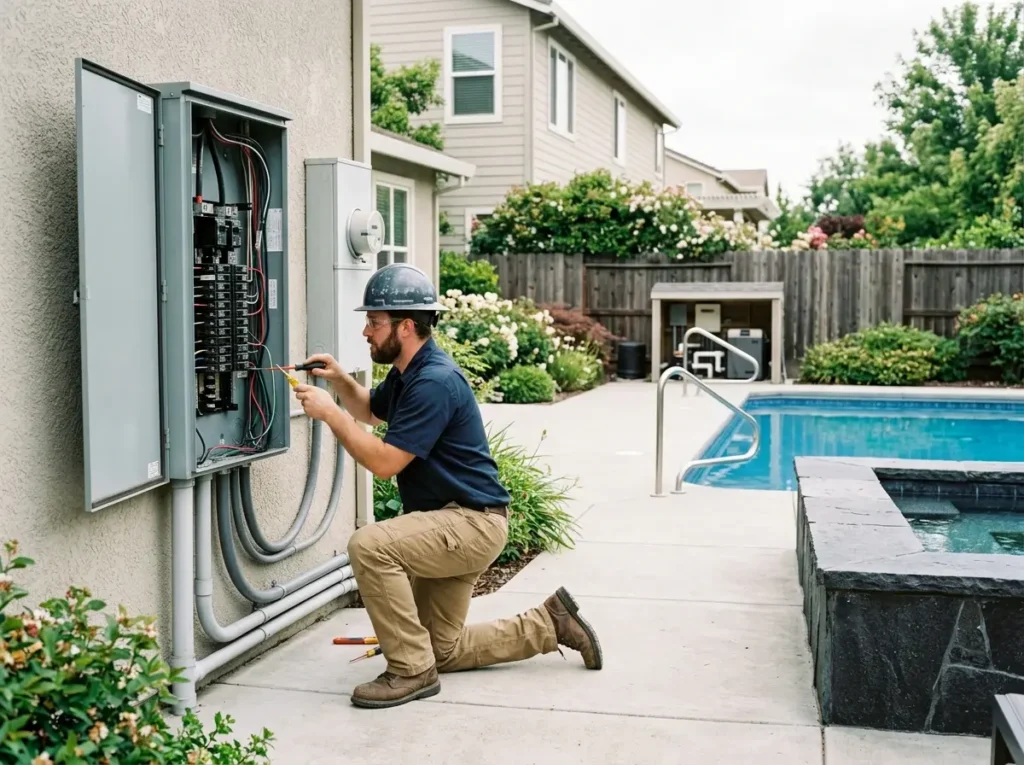
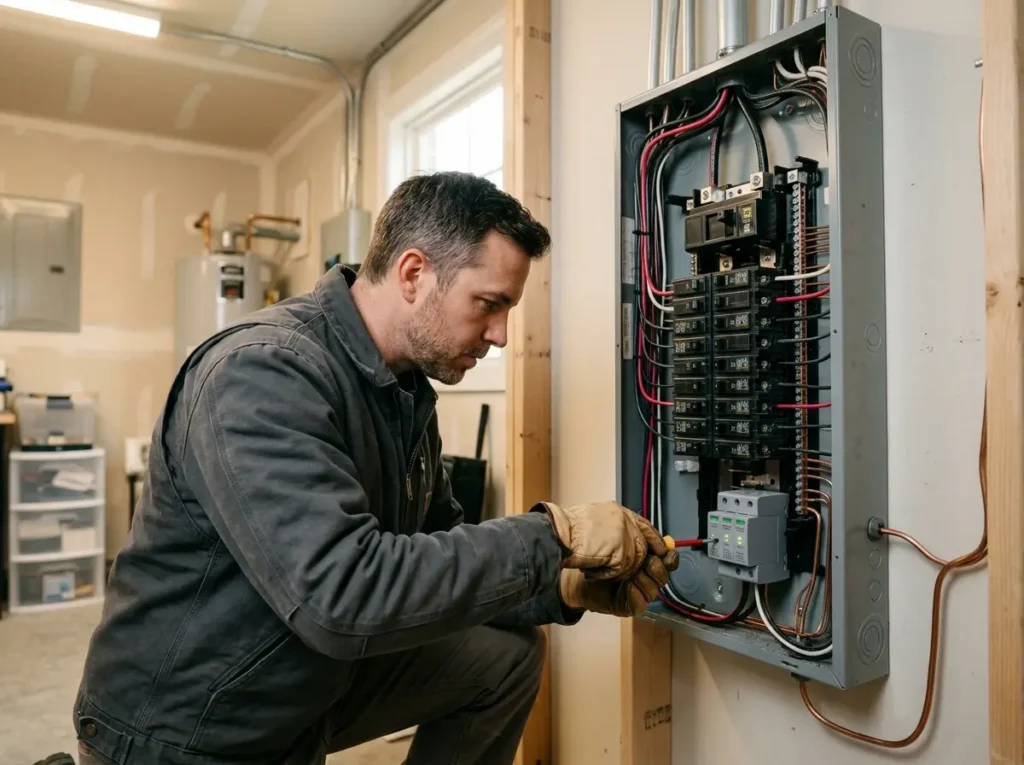
We start every project with a site visit to understand your goals, inspect your existing wiring, and test your Wi-Fi coverage and signal strength. For homes lacking neutrals (common in older Greenway Road Corridor neighborhoods), we can either run new neutral wires to switch boxes when possible or recommend no-neutral smart switches (Lutron Caseta, etc.). Our services cover the full range of residential automation:
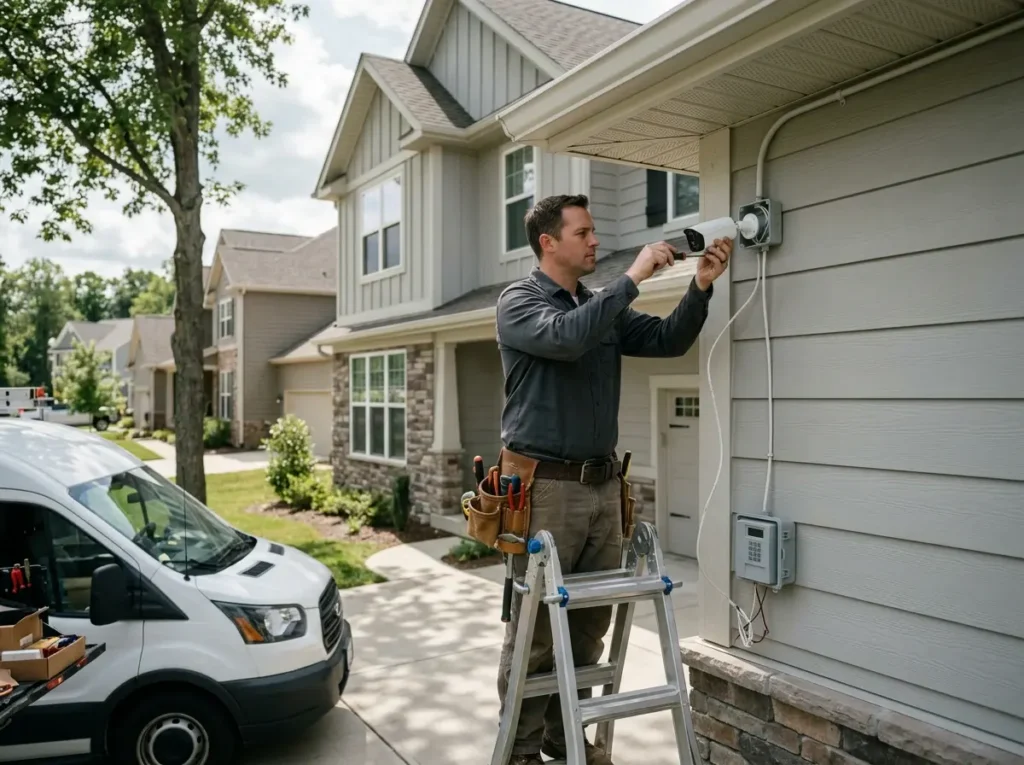
- Smart home installation – complete system design, device selection, installation, and programming
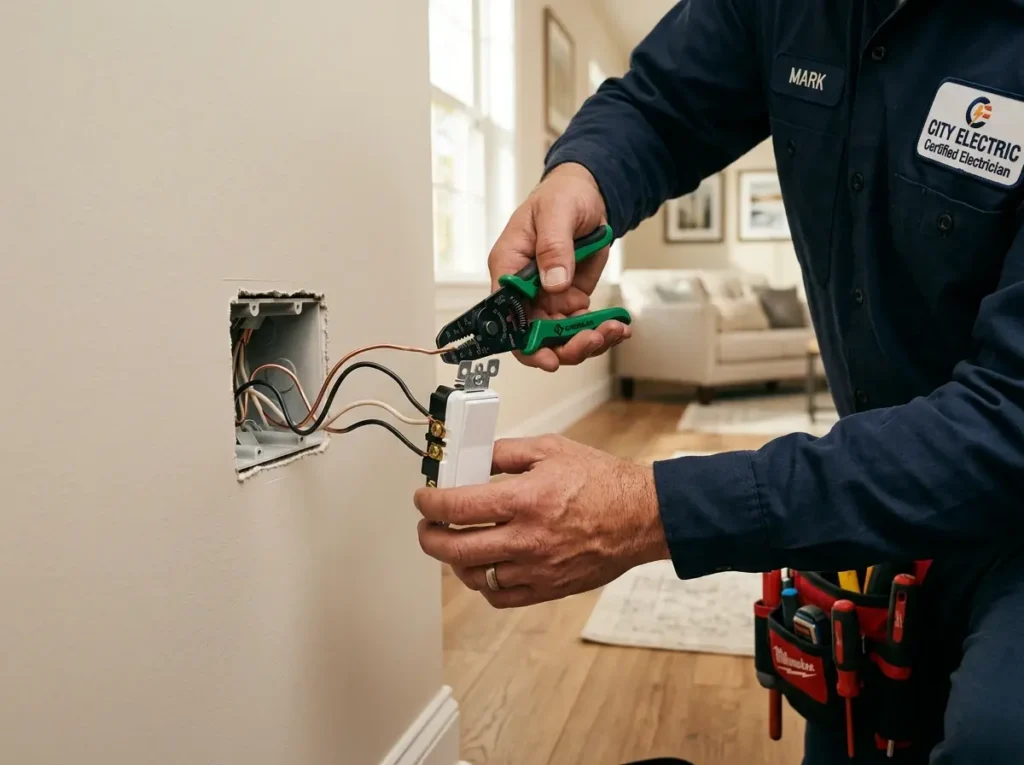
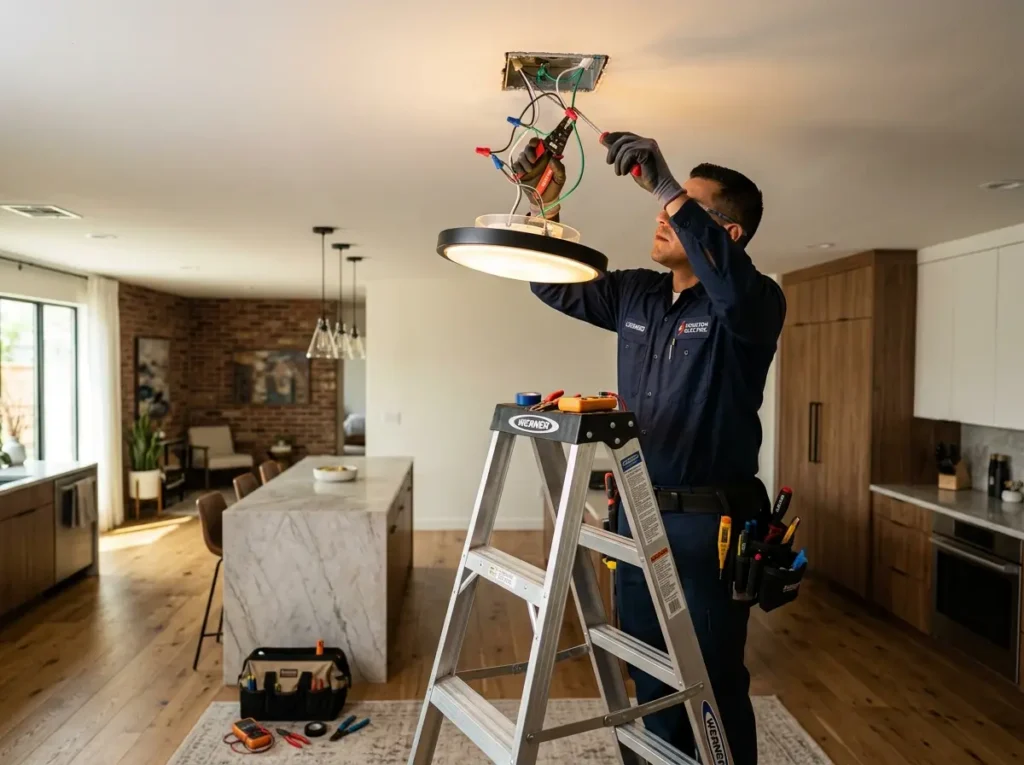
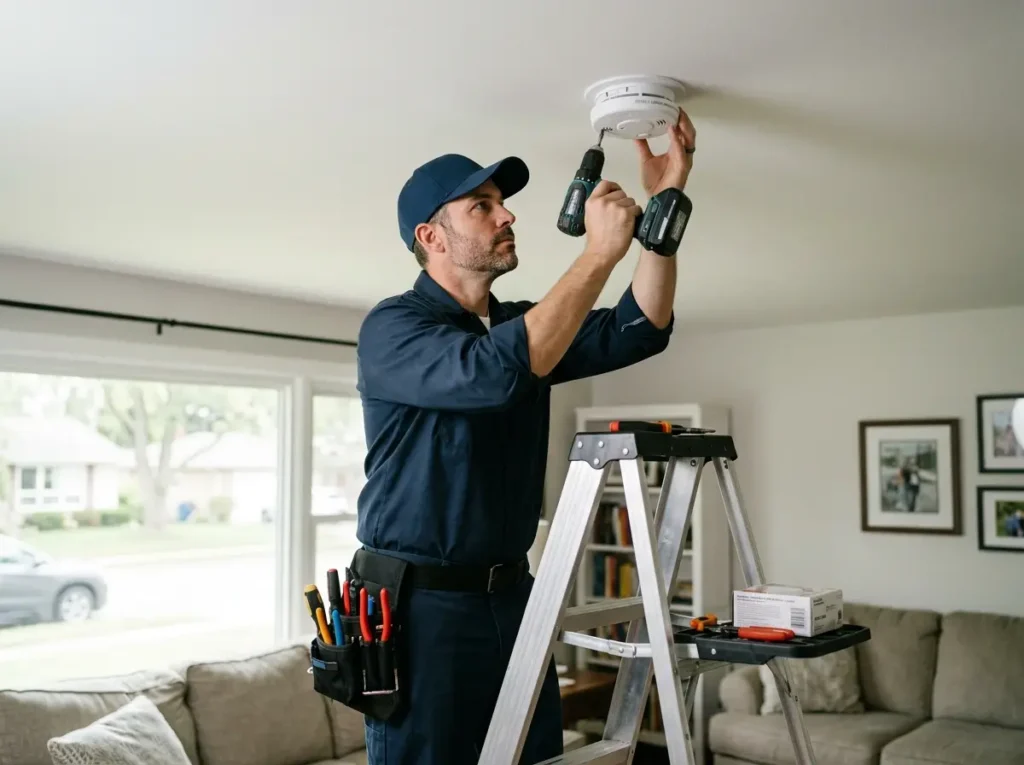
- Smart switch installation – replacing standard toggles with Wi-Fi or Z-Wave enabled controls
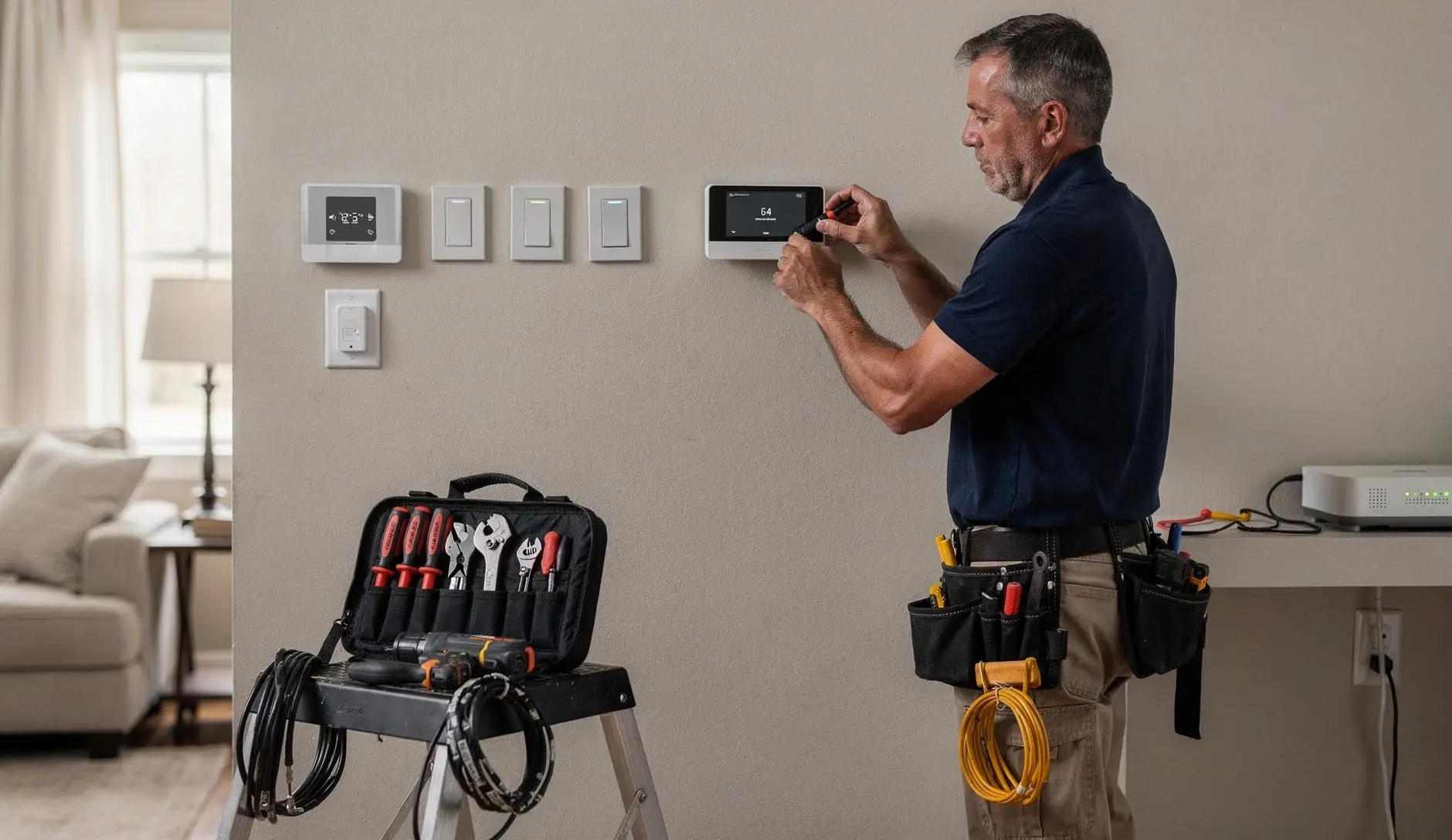
- Smart thermostat installation – Nest, Ecobee, Honeywell with full scheduler and remote access setup
- Smart home hub setup – configuring central controllers like SmartThings, Hubitat, Home Assistant, or Apple Home
- Voice control automation – integrating Amazon Alexa, Google Home, or Apple HomeKit
- Smart home wiring – running low-voltage Cat6 and line voltage cables during new construction or remodels
- Retrofit smart home devices – adding automation to existing homes without major wall demolition
- Z-Wave vs Wi-Fi smart devices consultation – helping you choose the right protocol for reliability
Common Smart Home Problems and How Long Work Takes in Greenway Road Corridor, Surprise
The most frequent issue we encounter in Greenway Road Corridor and Surprise homes is a missing neutral wire required for smart switch operation. Without a neutral, the switch cannot power its internal radios and either won't work or will flicker. Another common problem is poor Wi-Fi coverage in specific rooms, causing smart devices to drop offline randomly — especially in larger Surprise homes with thick plaster walls. We also see smart thermostats wired incorrectly to HVAC systems, leading to short cycling (turning on and off every few minutes) or no cooling/heating. Voice commands failing often means devices are on different networks or not properly linked in the automation platform. A single smart switch installation in an existing box with a neutral wire present takes 20 to 30 minutes. Running a new neutral wire to a switch box where none exists takes 1 to 2 hours, depending on attic or crawlspace access. Smart thermostat installation including wiring verification and app setup takes 45 to 60 minutes. A full smart home hub setup with 5-10 devices programmed and integrated with voice control automation usually takes 3 to 4 hours. Whole-home smart home wiring during new construction is done in phases and varies widely by home size.
Why Neutral Wire Required for Smart Switch and Z-Wave vs Wi-Fi Matter for Your Greenway Road Corridor, Surprise Home
Standard light switches simply interrupt the hot wire. They do not need a neutral. Smart switches have radios and processors that need constant power, even when the light is off. That power comes from the neutral wire. If your home was built before the mid-1980s, your switch boxes likely contain only a hot wire and a switch leg — no neutral. This is a neutral wire required for smart switch obstacle that DIY installers often discover only after buying devices. We solve this with either no-neutral smart switches (which work with lower power but have fewer features like no power monitoring) or by running new neutrals. For Z-Wave vs Wi-Fi smart devices, we explain that Wi-Fi devices are cheaper but crowd your network. A home with 20+ Wi-Fi smart bulbs and switches can overwhelm a consumer router, causing all smart devices to become sluggish or unresponsive. Z-Wave devices create their own separate mesh network (900 MHz), do not use your Wi-Fi, and continue to work locally even if your internet goes down. For retrofit smart home devices in older Greenway Road Corridor homes, we often recommend Z-Wave for reliability and because Z-Wave devices typically work without a neutral wire more easily than Wi-Fi options. Our organization works exclusively in residential homes — no commercial sites, no rushed jobs. For a professional smart home installation that actually works, contact our team today in Greenway Road Corridor or Surprise. We will assess your home, check for the neutral wire required for smart switch, explain Z-Wave vs Wi-Fi options, and provide clear pricing before any work begins.